WhatsApp Business 2.26.35.75 for Android
2.26.35.75 · WhatsApp LLC · Page updated
WhatsApp Business is the free Android app from WhatsApp for small businesses that want to talk to customers with a separate business profile.
Rate WhatsApp Business
Average 0.0 · ratings: 0
Thank you! Your rating is saved; you can change it. Could not save the rating. Please try again later. Too many ratings from your network today. Please try again tomorrow. The average appears after 5 ratings.
Screenshots
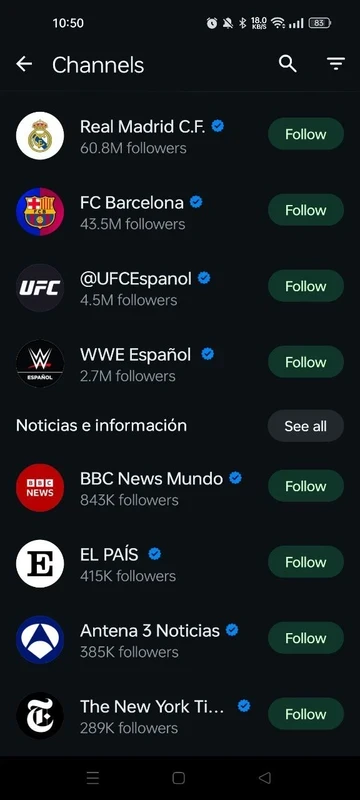
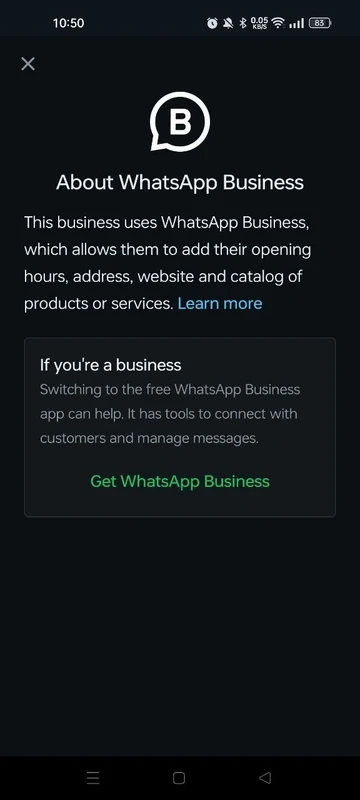
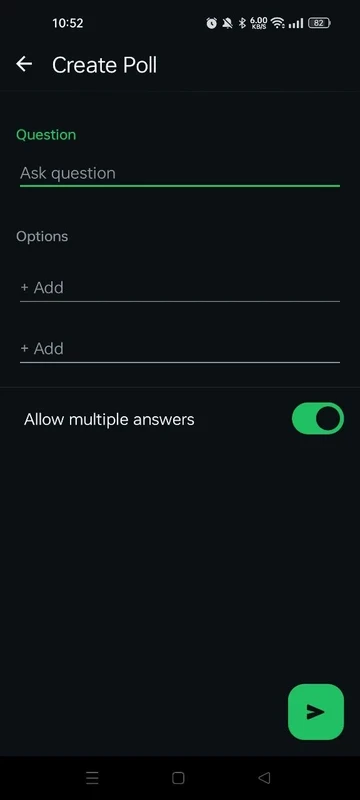
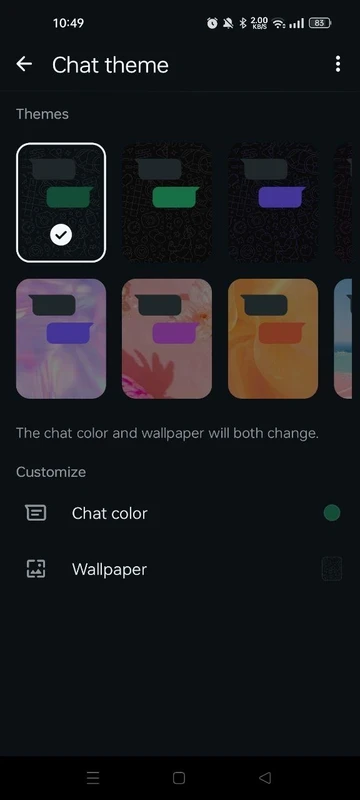
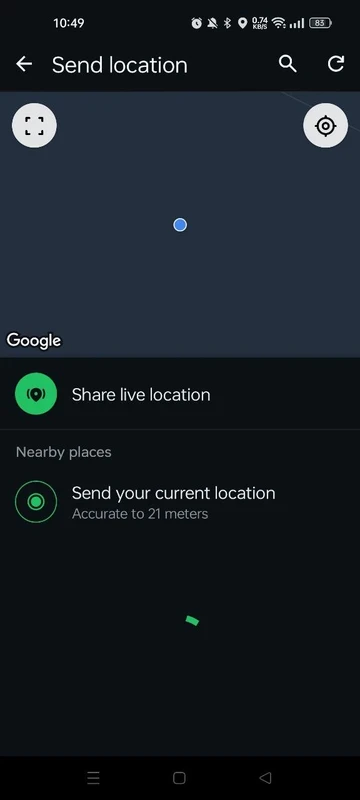
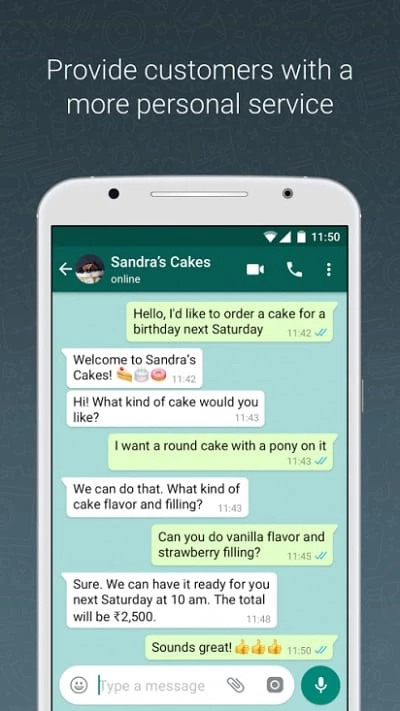
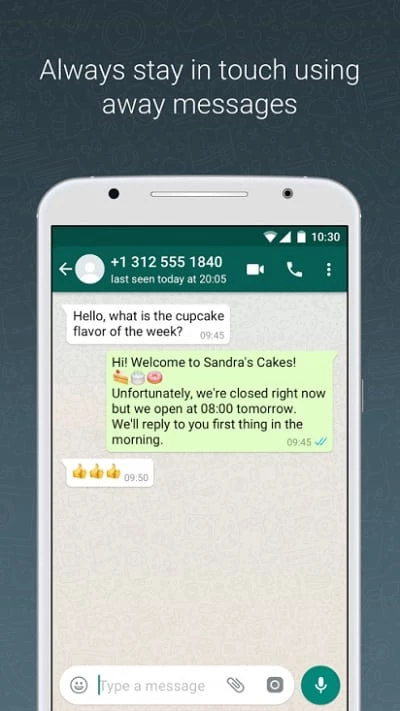
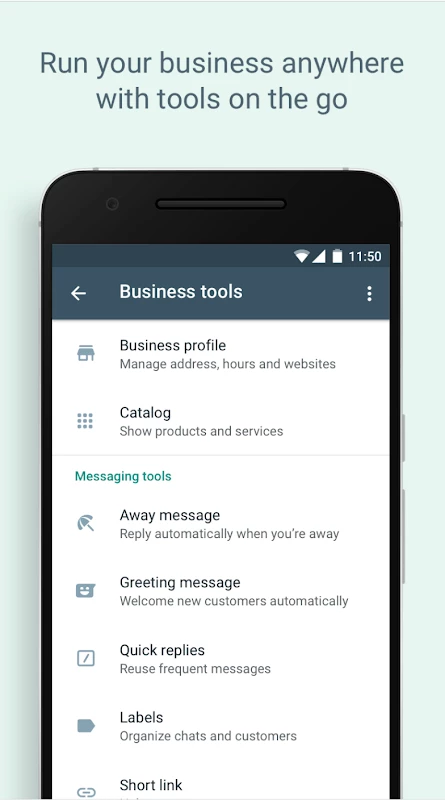
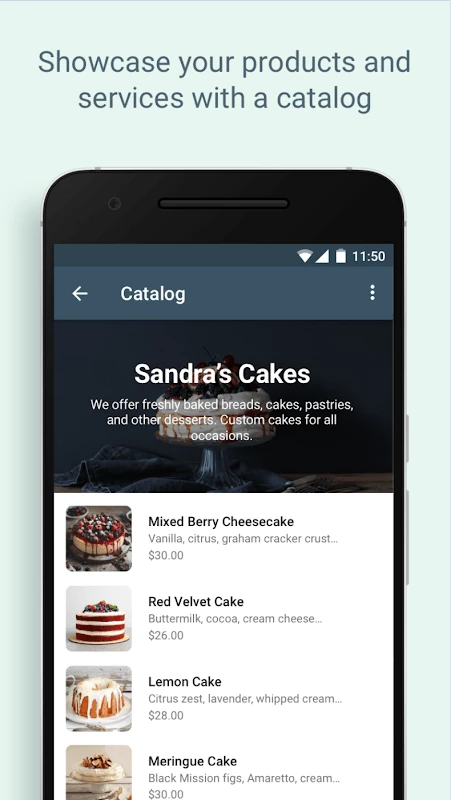
About WhatsApp Business
WhatsApp Business 2.26.35.75 is the free Android app from WhatsApp LLC and Meta Platforms for small businesses that talk to customers on WhatsApp. You can download it from Google Play and run it next to the regular WhatsApp Messenger, with its own number and business profile.
Specifications
| Item | Details |
|---|---|
| Version | 2.26.35.75 |
| Developer | WhatsApp LLC, Meta Platforms |
| Platforms | Android, iOS |
| First release | January 29, 2018 |
| Price | Free |
| Size | about 118.86 MB according to catalogue data |
How it differs from WhatsApp
WhatsApp Business uses the same messaging network as the personal app, so customers write to you from their ordinary WhatsApp without installing anything new. The difference is on your side. The account represents a business rather than a person, with a profile that tells customers who you are and how to reach you, and the app is designed around handling conversations with many clients rather than a handful of friends. That makes it a natural fit for shops, tutors, repair services, cafés and freelancers whose customers already prefer messaging to phone calls. A separate app also keeps work and private life apart: you can put the business number on a second SIM and switch it off in the evening without missing messages from family.
How to set it up
- Install the app from Google Play.
- Verify the phone number you want to use for the business.
- Fill in the business profile so customers know who they are writing to.
- Tell customers the number on your website, receipts and social pages.
- Back up chats regularly so you do not lose customer conversations.
More about the product is on the official WhatsApp Business page.
Updates
The app updates through Google Play. WhatsApp's help article explains how to update the WhatsApp Business app if an automatic update did not arrive.
Tips for talking to customers
Reply quickly, even if it is only to say when you will have a full answer, because customers who message expect a faster response than by email. Keep messages short and friendly, avoid sending long voice notes about prices or orders, and confirm important details such as dates and amounts in writing. If several people answer from the same account, agree on a common tone and sign messages with a first name so customers know who they are talking to.
Security and good practice
Only install the app from Google Play; modified versions of WhatsApp are unofficial and can lead to a banned number, which for a business means losing contact with customers. Turn on two-step verification, do not share the verification code with anyone, and agree with your team who may access the business phone.
Pros and cons
- Pro: customers use the WhatsApp they already have.
- Pro: keeps business and personal chats apart.
- Pro: free.
- Con: needs its own phone number.
- Con: busy accounts become hard to manage on one phone.
Alternatives
Our listings include WhatsApp Messenger for personal chats, and Telegram, Viber and Facebook Messenger, other messaging apps that businesses use to reach customers.